Want to manage multiple Shopee/Lazada/TikTok Shop accounts at the same time?
Vist our website to know more 👉 BigSeller ERP
Vist our website to know more 👉 BigSeller ERP
1. Hotline / Call Centre📞
When to use: urgent delivery problems, claims, or when you need a live confirmation.
How to reach: Metro Manila hotline (02) 8858-5999 — save it in your phone and call first for time-sensitive issues. For other Philippine numbers and international hotlines, use LBC’s directory page.
Quick tips for calls
- Have your 12-digit tracking number, sender/recipient name, branch name (if known) and order ID ready.
- Start the call with a one-sentence summary: e.g., “Tracking #123456789012 — ‘Out for Delivery’ since [date] but not delivered; need ETA and driver contact.”
- Ask for the reference number or ticket ID for follow-up.
2. Social Media & Messenger🛜
When to use: quick status checks, sending screenshots, or when you prefer chat records.
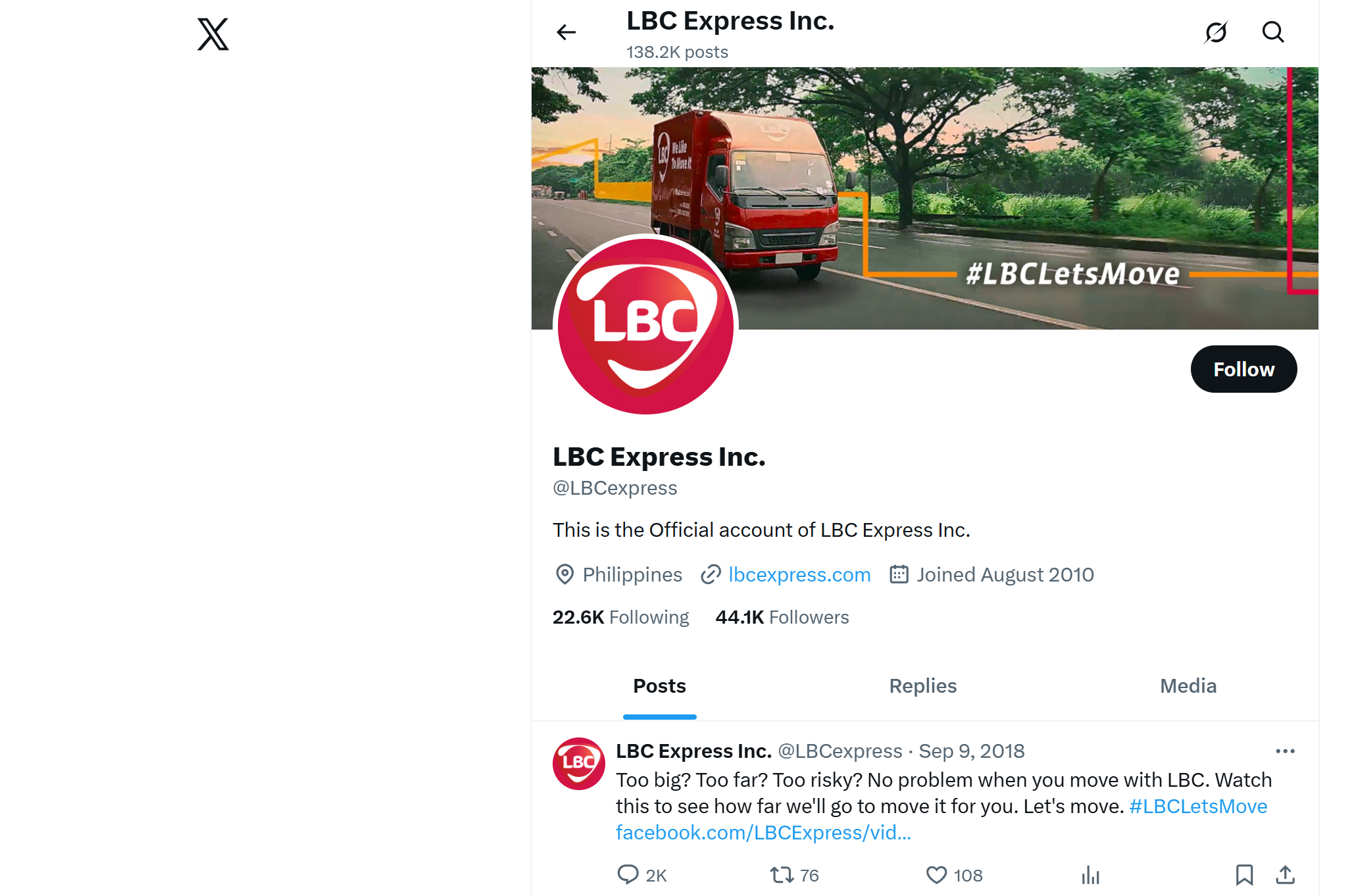
Channels: Official Facebook Messenger / social handles (search @lbcexpress or the verified LBC Express page) and X (Twitter) for announcements. Using Messenger you can often get tracking updates and attach photos/screenshots.
3. Email Support📧
When to use: disputes, claims, or issues requiring documents (proof of value, invoices, photos).
Address: customercare@lbcexpress.com — put the tracking number in the subject line so it gets routed quickly.
4. Visit a Branch (In-Person)🏪
When to use: large/complex shipments, returns, immediate pick-ups, or when phone/chat isn’t resolving the problem.
How to find one: use LBC’s branch locator or “Visit our Nearest Branch” tool on the LBC site to confirm branch hours and exact address before you go. If you’re returning items or collecting proof, do this early in the day to avoid queues.
What to bring
- Original waybill / receipt and a printed tracking status.
- Valid ID (if required), order invoice, and photos if you're filing a damage/misroute report.
- Ask to speak to a branch manager if frontline staff can’t help — escalate calmly and ask for a written reference or ticket.
5. Online Tools & LBC App (Self-Service)🔍
When to use: check status, auto-updates, and minor changes (schedule pickup, track delivery).
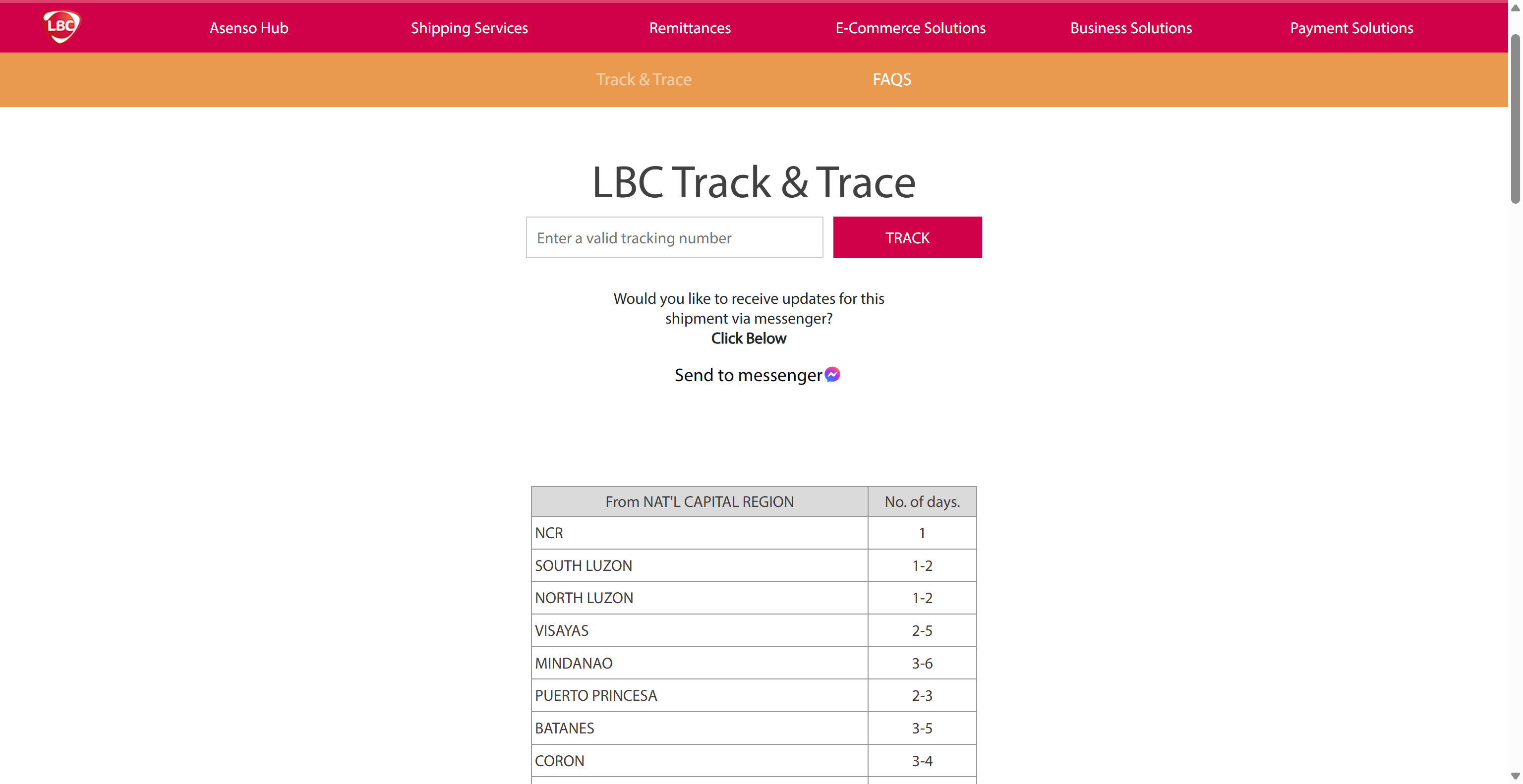
Where: LBC tracking page and the LBC mobile app let you check a 12-digit tracking number and sometimes opt into Messenger updates — try these before contacting support so you have current status to quote.
6. Business / Bulk-ship Support (For High-Volume Sellers)✅
When to use: negotiating rates, scheduling regular pickups, or troubleshooting recurring operational issues.
How to contact: LBC has dedicated Business Solutions lines and account teams — for business enquiries, look for the Business Solutions contact on LBC’s site or directory (e.g., business line (02) 7908-6522). Preparing shipment volume, sample invoices, and preferred schedules helps speed onboarding.
Conclusion:
The most efficient way to contact LBC Express PH is to use the app's live chat, support emails, and service points. Please keep accurate records and include specific tracking numbers, proof, and brief requests in your first message - this is the fastest way to get a response from LBC.
However, handling logistics is only part of the picture. For e-commerce sellers, having a tool like BigSeller helps bridge the gap between platform management and courier services like LBC Express.
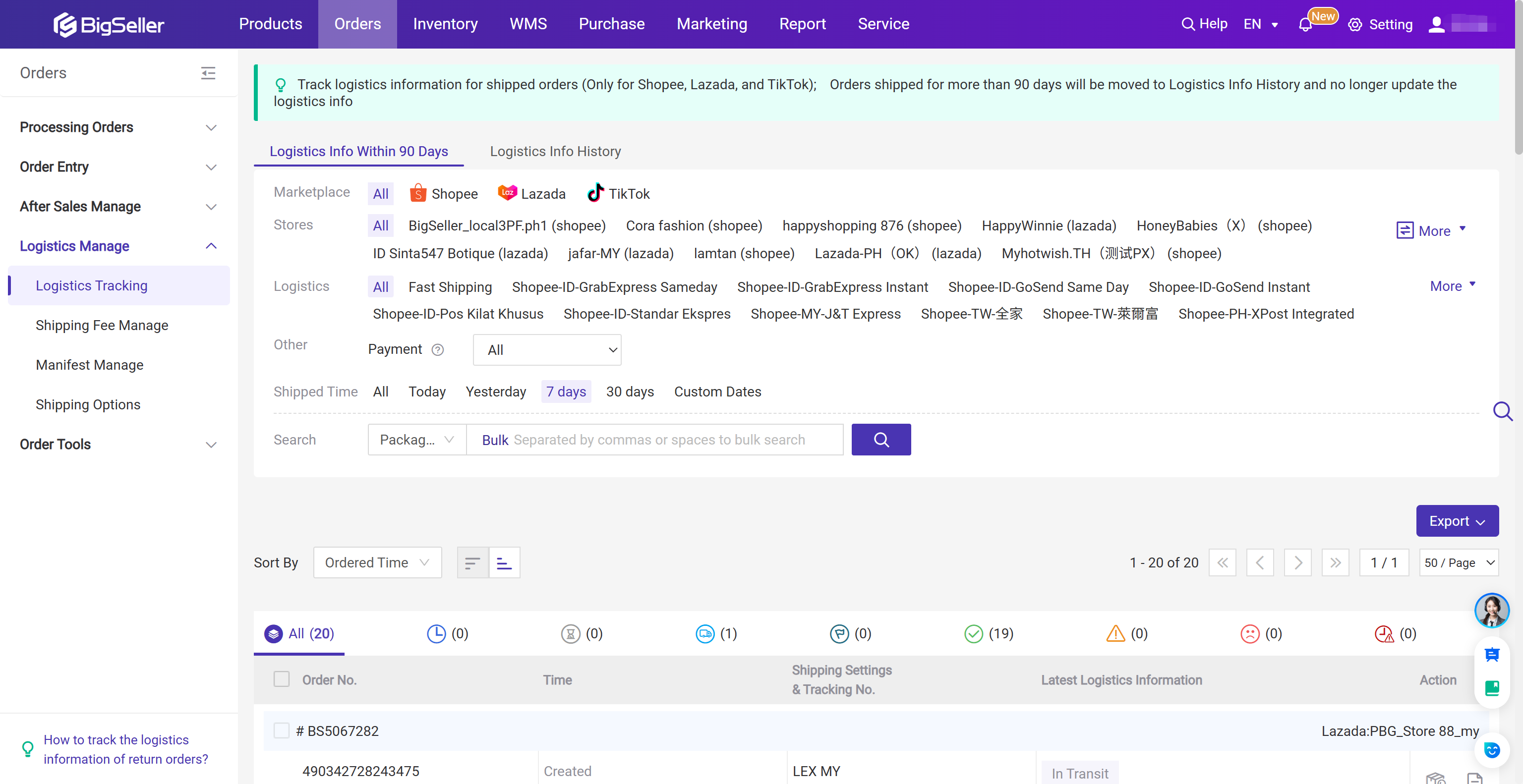
BigSeller is the ultimate FREE e-commerce ERP for Southeast Asian sellers, designed to supercharge your business. Streamline everything in one place—from product listings and order processing to inventory management, financial tracking, and automated operations.
Vist our website to know more 👉BigSeller ERP
Vist our website to know more 👉BigSeller ERP
