Lazada Malaysia is rolling out a major upgrade to its On-Platform Solutions Data Reporting, designed to give sellers clearer, more accurate, and more consistent campaign insights. The update introduces improvements across metrics, attribution models, graphs, dashboards, and how performance data is displayed across every Sponsored Solution.
The rollout begins gradually from 28 November 2025, and not all sellers will see the changes immediately.

Key Improvements Lazada Sellers Will See
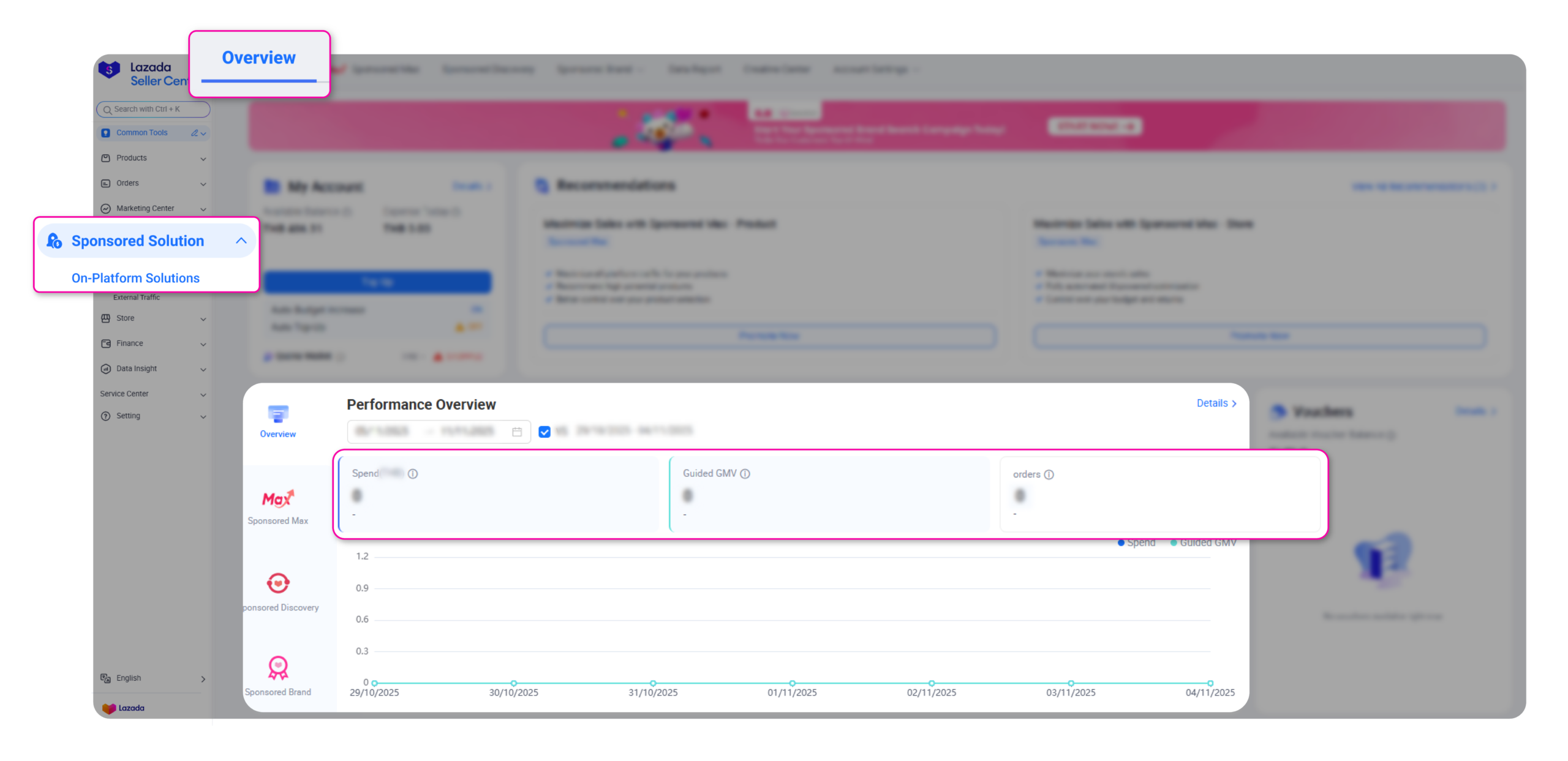
1. Data Insights → Data Reports (New & Improved)
The old Data Insights section has been revamped into Data Reports, offering a cleaner structure and more accessible layout.
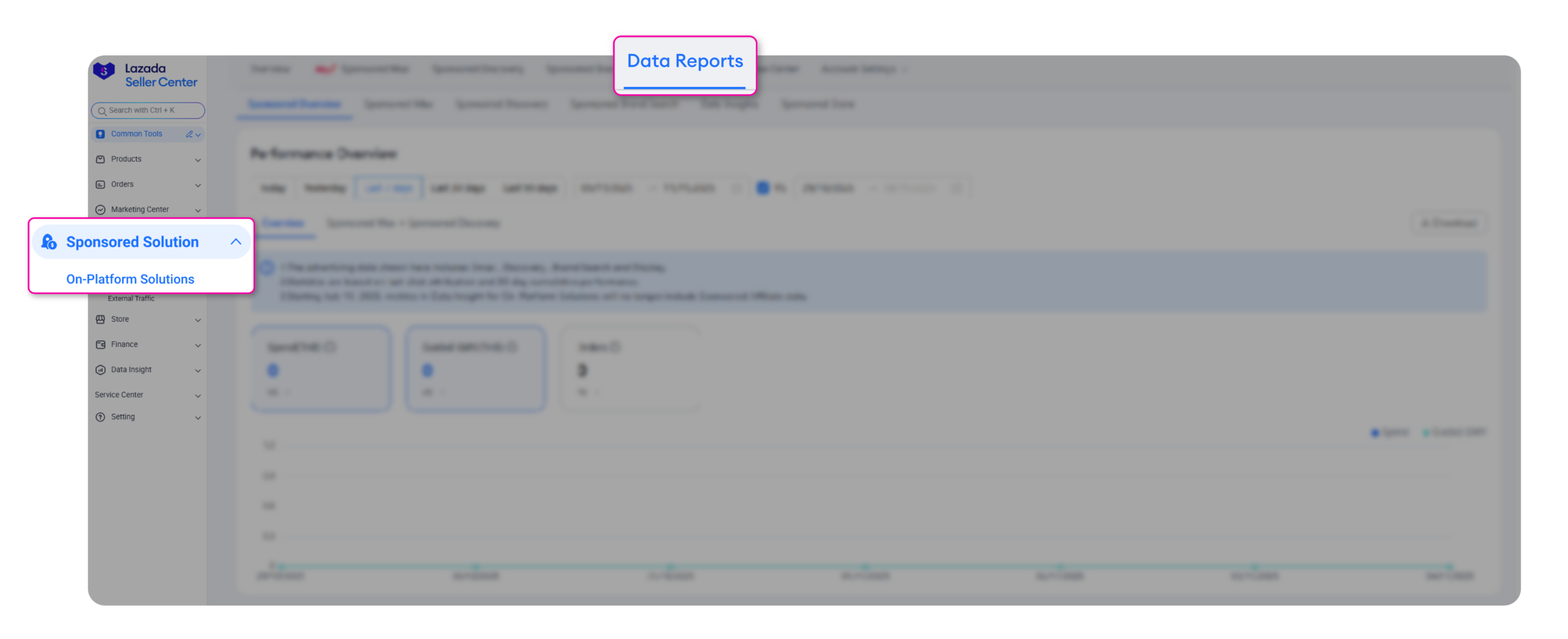
New tabs have been introduced for easier navigation:
-
Sponsored Overview
-
Sponsored Max
-
Sponsored Discovery
-
Sponsored Brand
-
Sponsored Display
-
Data Insights (existing insights consolidated here)
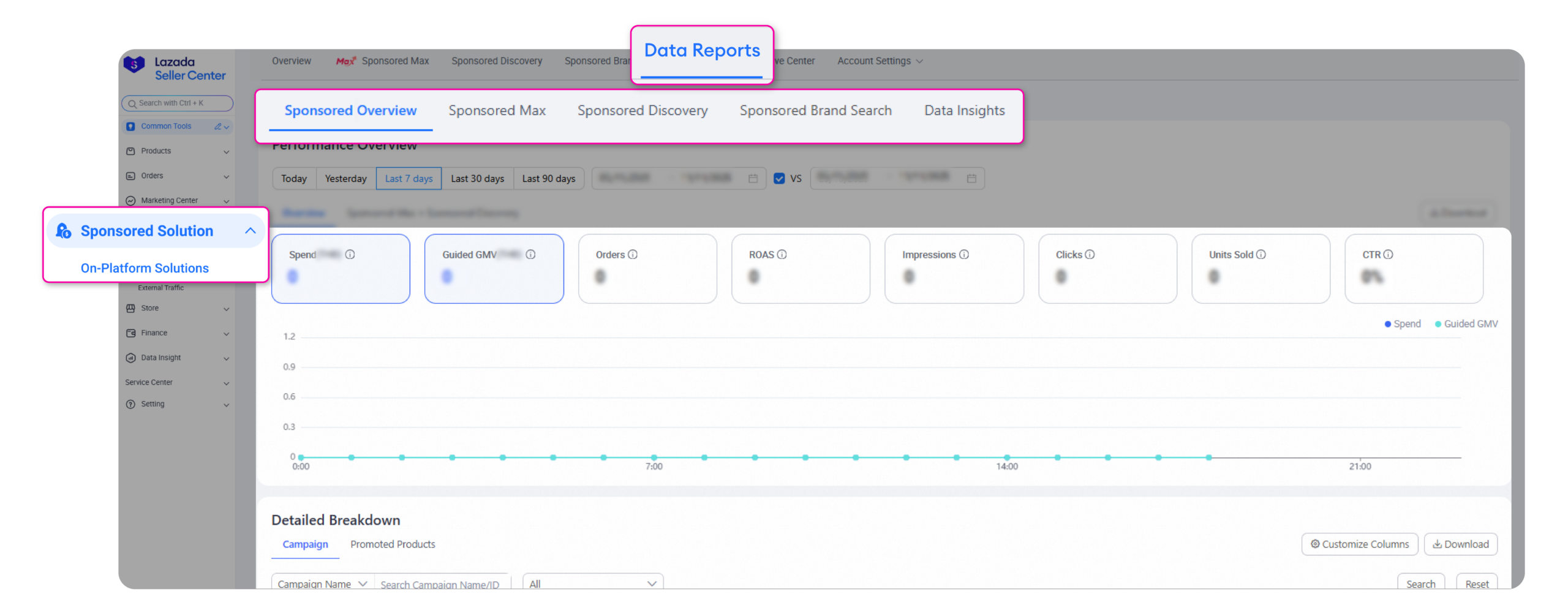
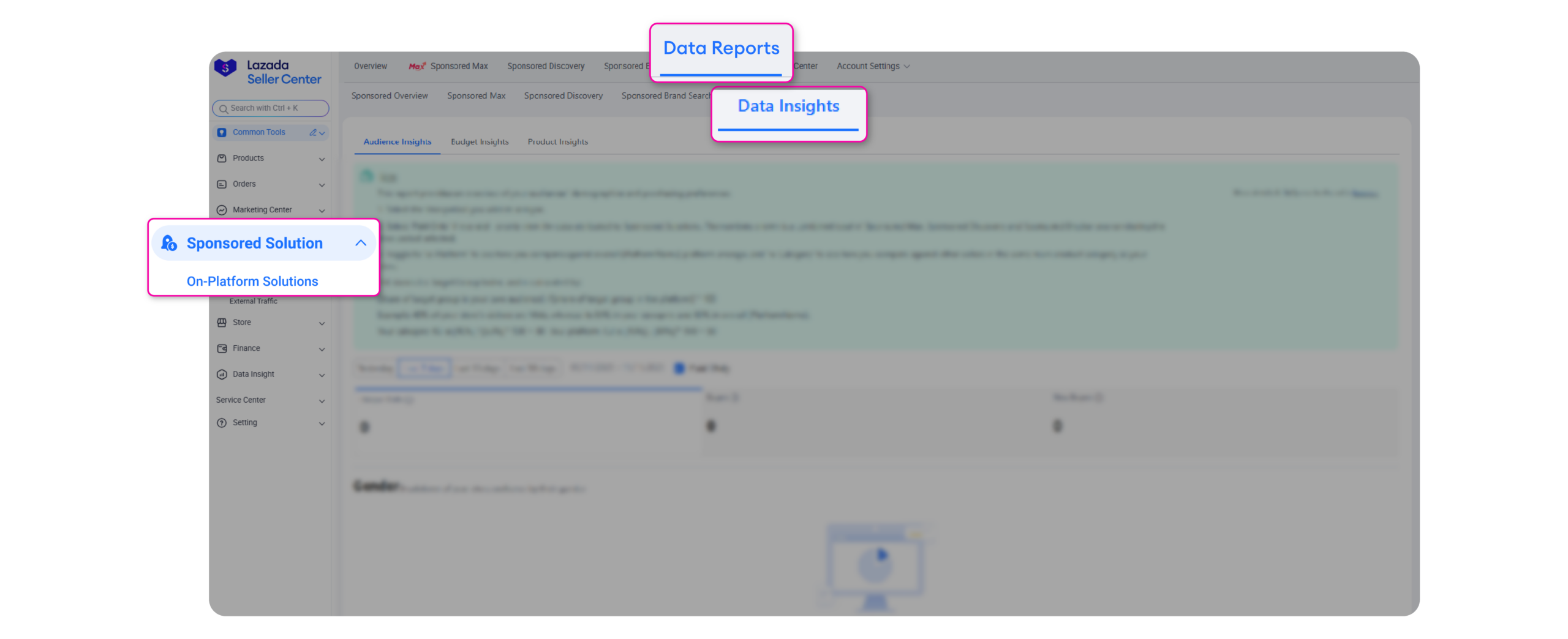
Popular insights such as Audience Insights, Budget Insights, and Product Insights have all been moved under this new space.
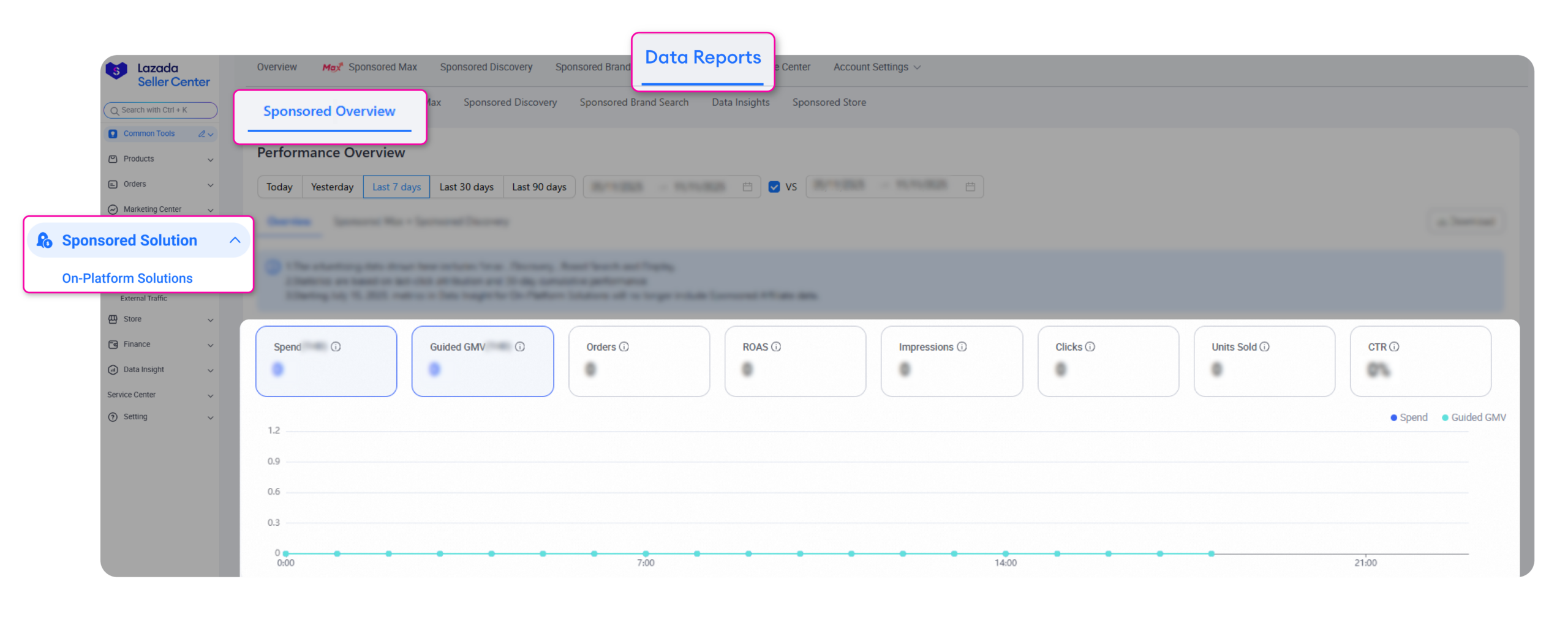
The previous Store Overview and Solution Overview are now combined into the Sponsored Overview tab for unified tracking.
2. Standardised Metrics & Attribution
To eliminate confusion and inconsistencies, Lazada has standardised the definitions and attribution models across all Sponsored Solutions.
Key change:
-
Orders and GMV now use a 30-day last-click attribution window, and are attributed to the clicked date, not the purchase date.
-
Sponsored Brand & Sponsored Display continue to use a 30-day impression-based attribution model.
This matters because your reports will now better reflect the true impact of your ads, especially for products with longer consideration cycles.
3. Enhanced Graphs, Dashboards & Date Comparisons
All solution tabs from Sponsored Max, Sponsored Discovery, Sponsored Brand, to Sponsored Display come with refreshed visuals, clearer charts, and more intuitive data comparisons.
On the homepage, you can now:
-
Compare performance across different date ranges (e.g., choosing Day 7–13 will auto-compare against Day 1–6)
-
View Order and Guided GMV based on the new 30-day attribution model
-
Find ROI moved into the new Data Reports tab
What’s New in Lazada Sponsored Solution
Lazada Sponsored Max
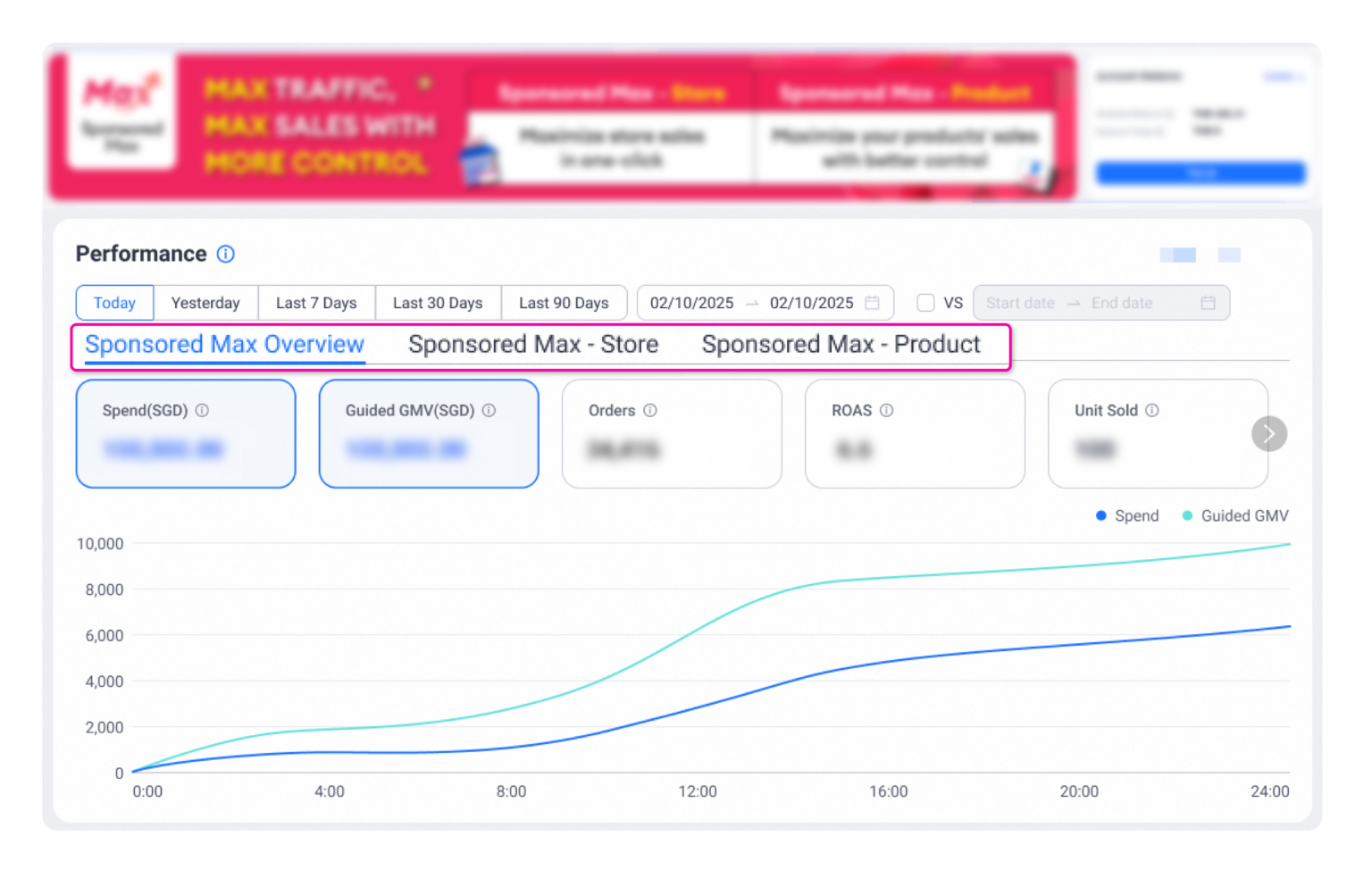
A major reorganisation introduces three clearer tabs:
-
Sponsored Max Overview
-
Sponsored Max – Store
-
Sponsored Max – Product
New features include:
-
Pre-set filters (Last 7 Days, Last 30 Days)
-
Custom date comparison
-
Upgraded UI with better charts
-
New optional metrics to add: Direct Conversion Rate, Cost per Direct Conversion, Conversion Rate, CPO
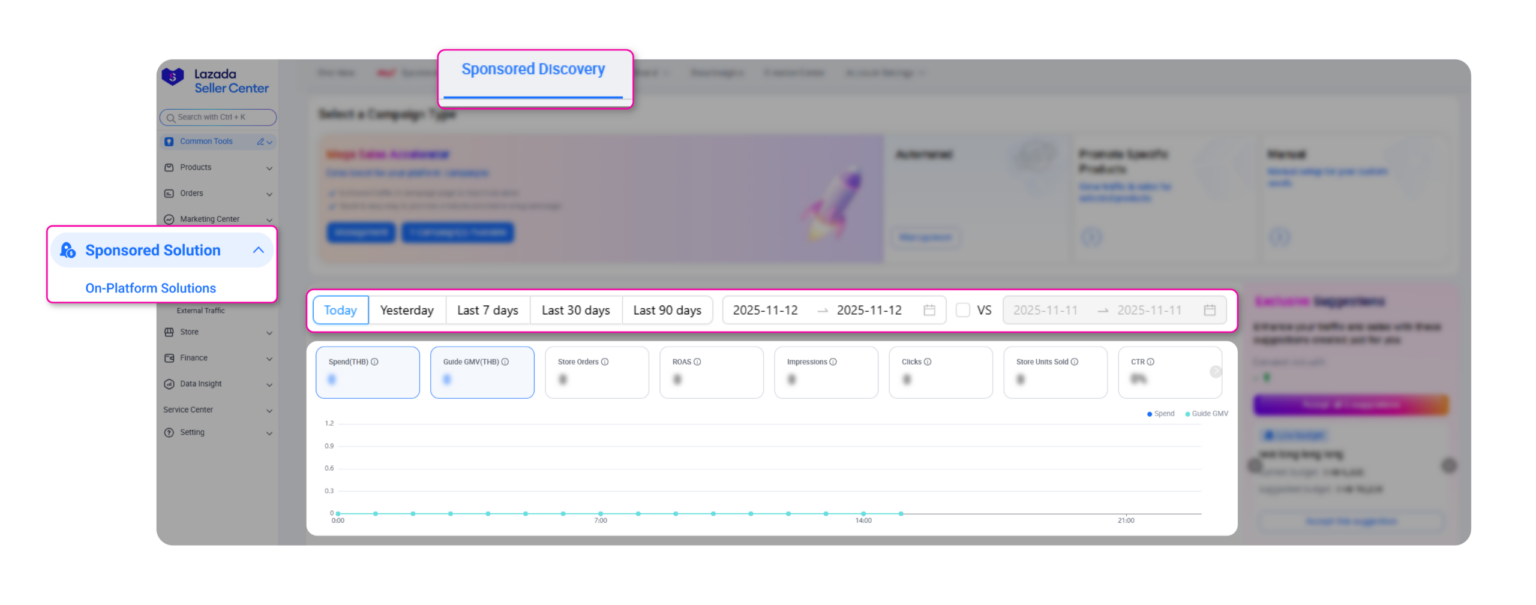
Lazada Sponsored Discovery
-
Pre-set filters and flexible custom comparisons
-
Refreshed, cleaner UI
-
Same new optional metrics as Sponsored Max (e.g., Direct Conversion Rate, CPO)
Lazada Sponsored Brand
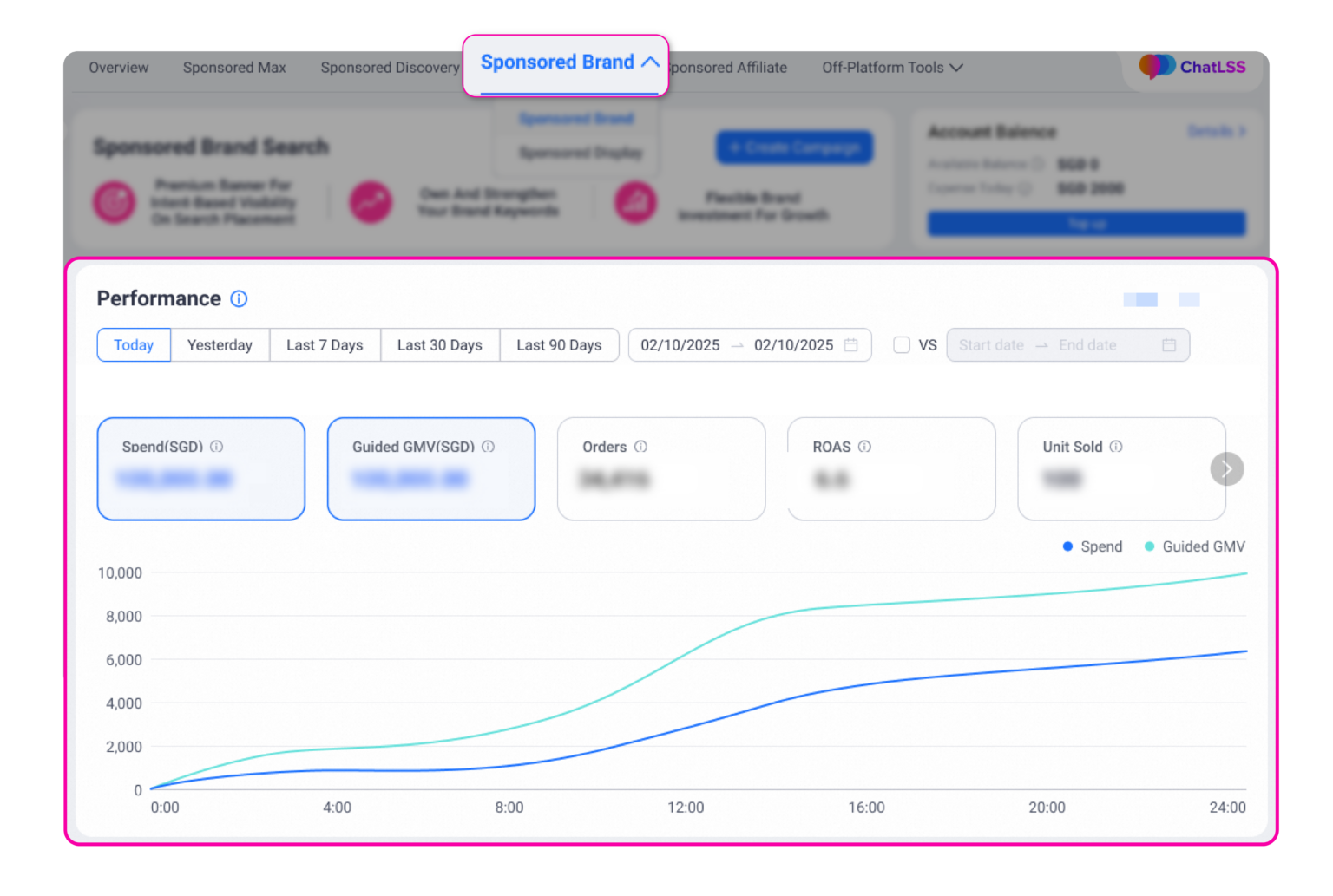
-
Improved visualisation for charts and metrics
-
New metrics available: Reach, Visit, Store Visitors, PDP Visits, CPM (Useful for upper-funnel and branding campaigns)
Updated Metric Definitions You Should Know
Lazada also introduced clearer standard definitions to remove confusion. Here are some important ones:
Performance & Spend
-
Spend – total spent on Sponsored Solutions
-
Orders – orders within a 30-day last-click window
-
Guided GMV – revenue within the same 30-day window
-
ROAS/ROI – Guided GMV ÷ Spend
Click & Impression Metrics
-
Impressions – number of times your ads appeared
-
Clicks – filtered to remove repeated rapid clicks
-
CTR – Clicks ÷ Impressions
-
CPC – Spend ÷ Clicks
-
CPM – Cost per 1,000 impressions
Conversion Metrics
-
CPO – Spend ÷ Orders
-
CVR – Orders ÷ Clicks
-
A2C – add-to-cart actions measured within attribution window
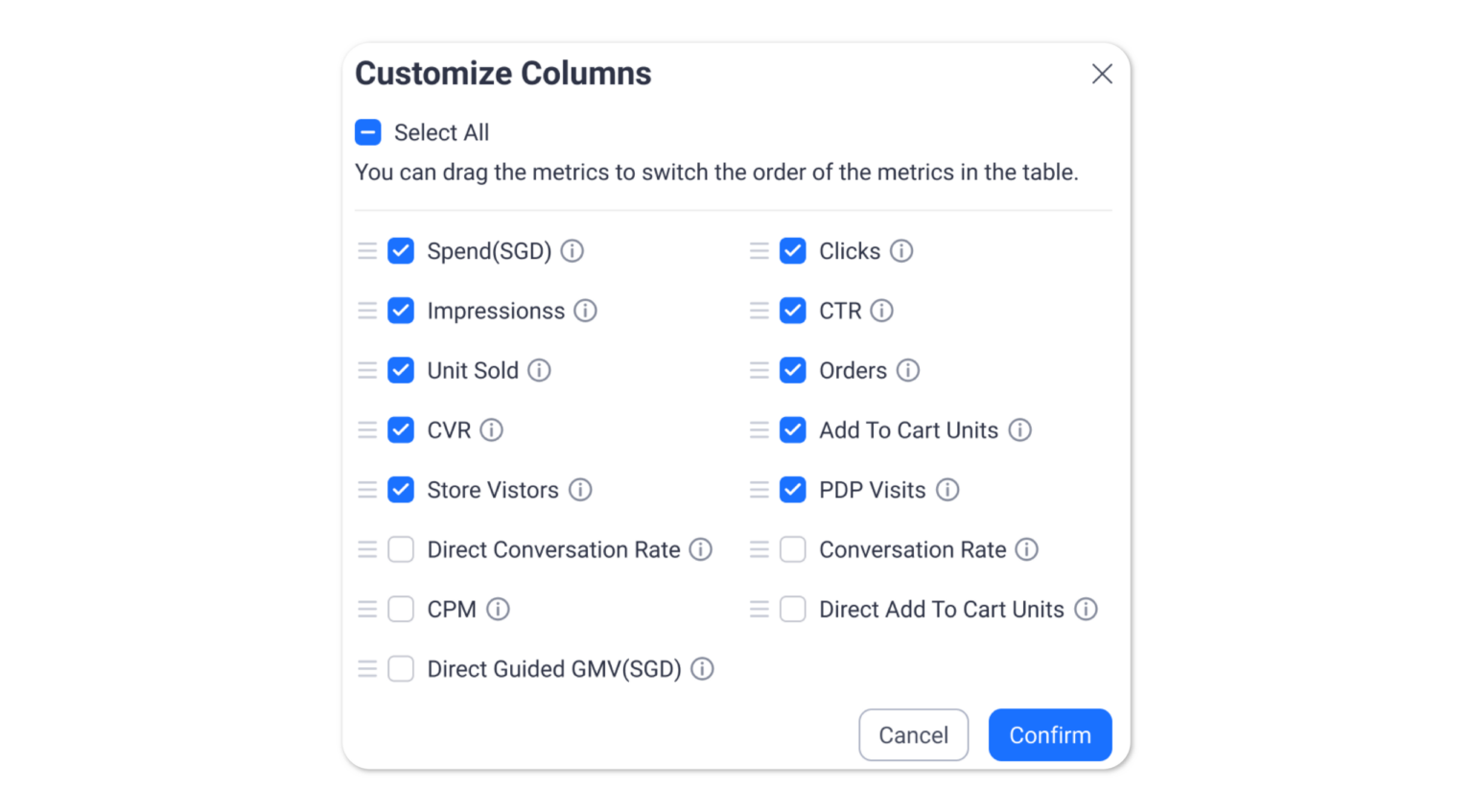
Direct Performance (Newly Highlighted)
These show purchases or actions directly tied to a single click:
-
Direct Orders
-
Direct Units Sold
-
Direct Guided GMV
-
Direct Add to Cart Units
Visitor Metrics
-
Visits
-
Store Visitors
-
PDP Visits
Each Sponsored Solution will display only the metrics relevant to that ad type.
Making Better Use of Lazada’s New Insights
Lazada’s enhanced data reporting gives sellers a clearer, more consistent way to track advertising results. With standardised metrics, better attribution, and improved dashboards, you’ll have a more accurate picture of how each campaign performs and where your budget delivers the strongest returns.
To act on these insights effectively, sellers still need reliable tools that support daily operations across multiple platforms. Managing these processes manually can limit how quickly you respond to what the data is telling you.
BigSeller offers a practical solution for this. It’s a free, easy-to-use, and highly automated e-commerce ERP designed for Southeast Asian sellers. BigSeller consolidates product listing, sourcing, order processing, inventory management, purchasing, reporting, logistics tracking, and marketing tools into one system, helping you make operational decisions as quickly as you make advertising decisions.
If you want to manage your ads with clearer data and manage your operations with less manual work, you can try BigSeller for free anytime.